

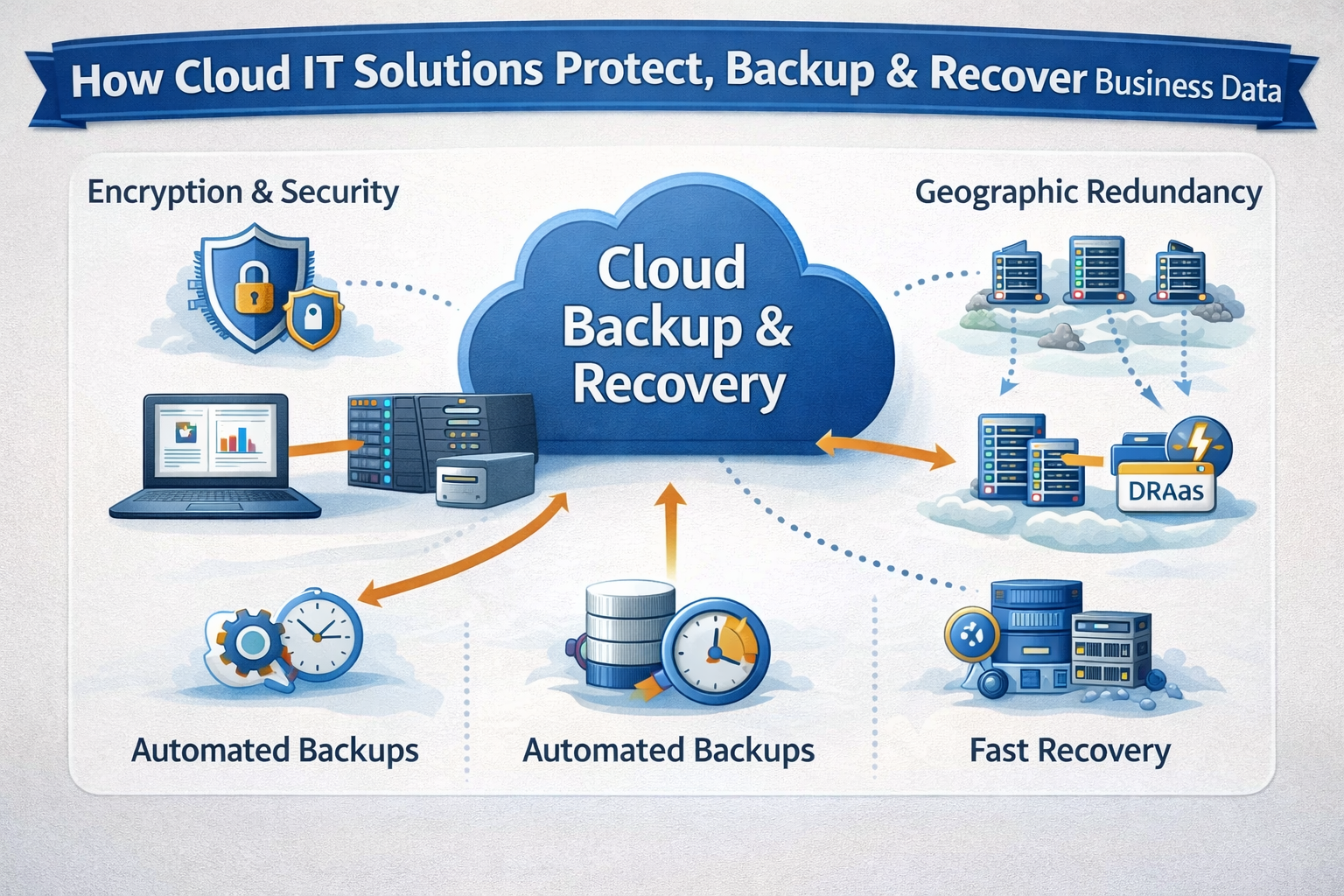
Data loss can stop a business instantly—whether it’s caused by hardware failure, cyberattacks, human error, or natural disasters. That’s why cloud IT solutions are built with data backup and recovery as a core function, not an afterthought. Unlike traditional on-premise systems, cloud environments use automation, redundancy, and geographic distribution to keep business data protected and recoverable.
What Is Data Backup and Recovery in Cloud IT Solutions?
Data backup is the process of creating copies of data so it can be restored if the original is lost, damaged, or corrupted.
Data recovery is the process of restoring that data quickly and accurately after an incident.
Cloud IT solutions integrate both into a continuous, automated system that works in the background—reducing downtime and minimizing risk.
Automated Backups: The Foundation of Cloud Protection
One of the biggest advantages of cloud IT solutions is automation.
How Automated Cloud Backups Work
- Backups are scheduled automatically (hourly, daily, or real-time)
- No manual intervention is required
- Human error is significantly reduced
- Backup policies are centrally managed
This ensures critical business data is consistently protected—even if staff forget or systems fail.
Multiple Backup Types Used in Cloud Environments
Cloud IT solutions typically use a combination of backup methods to balance speed, cost, and storage efficiency.
Full Backups
- A complete copy of all selected data
- Used as a baseline for recovery
- Stored less frequently due to size
Incremental Backups
- Only changes since the last backup are saved
- Faster and more storage-efficient
- Commonly used in cloud systems
Continuous Data Protection (CDP)
- Near real-time backups
- Ideal for mission-critical systems
- Minimizes data loss to seconds or minutes
Geographic Redundancy: Protection Beyond One Location
Unlike local servers, cloud IT solutions store backups in multiple physical locations.
Why This Matters
- Protects against fires, floods, and power failures
- Prevents total loss from regional disasters
- Ensures business continuity even if one data center fails
Most providers replicate data across regions automatically, meaning your backup exists far beyond your office or city.
Secure Storage and Encryption
Security is a major concern when backing up sensitive business data. Cloud IT solutions address this through advanced encryption and access controls.
Key Security Measures
- Encryption at rest and in transit
- Role-based access permissions
- Multi-factor authentication (MFA)
- Continuous monitoring and audit logs
This ensures backups are not only available—but also protected from unauthorized access or cyber threats.
Rapid Recovery and Disaster Recovery Planning
Backup alone isn’t enough. Recovery speed is what keeps businesses running.
Recovery Time Objective (RTO)
- How quickly systems must be restored
Recovery Point Objective (RPO)
- How much data loss is acceptable
Cloud IT solutions allow businesses to define both, enabling custom recovery strategies based on operational needs.
Disaster Recovery as a Service (DRaaS)
Many cloud IT solutions include Disaster Recovery as a Service, which allows entire systems to be restored—not just files.
What DRaaS Can Restore
- Servers and virtual machines
- Applications and databases
- Operating systems and configurations
In many cases, businesses can be operational again within minutes or hours instead of days.
Versioning and Protection Against Human Error
Cloud backups often include versioning, which keeps multiple historical copies of files.
Why Versioning Is Important
- Recover files overwritten by mistake
- Roll back changes after accidental deletion
- Restore data after ransomware encryption
This is especially valuable in collaborative environments where files change frequently.
Testing and Verification of Backups
Cloud IT solutions don’t just create backups—they verify them.
Backup Testing Features
- Automated integrity checks
- Scheduled recovery testing
- Reporting and alerts for failed backups
This ensures backups actually work when they’re needed most.
Scalability: Backups That Grow With Your Business
As businesses grow, so does their data. Cloud IT solutions scale backup storage automatically.
Benefits of Cloud Scalability
- No hardware upgrades required
- Pay only for what you use
- Easy expansion for new systems or applications
This makes cloud backup ideal for growing companies with evolving needs.
Integration With Major Cloud Platforms
Most cloud IT solutions operate on enterprise-grade platforms such as Amazon Web Services, Microsoft Azure, and Google Cloud. These platforms offer built-in redundancy, compliance support, and global infrastructure—strengthening backup and recovery reliability.
Compliance and Regulatory Support
Many industries must follow strict data protection laws. Cloud IT solutions help meet compliance requirements by offering:
- Data retention policies
- Audit trails and reporting
- Region-specific data storage
- Secure access controls
This is especially important for healthcare, finance, legal, and government-related businesses.
Why Cloud Backup and Recovery Is More Reliable Than Traditional IT
Compared to on-premise systems, cloud IT solutions offer:
- Greater redundancy
- Faster recovery times
- Lower risk of total data loss
- Reduced maintenance responsibility
- Predictable and scalable costs
Traditional backups rely heavily on local hardware, which can fail or be destroyed—cloud backups do not.
Conclusion
Cloud IT solutions handle data backup and recovery through automation, redundancy, security, and rapid restoration capabilities. By combining continuous backups, geographic distribution, encryption, and disaster recovery planning, cloud environments provide a level of protection that traditional systems struggle to match.
For businesses that rely on data every day, cloud-based backup and recovery isn’t just a convenience—it’s a critical safeguard for long-term stability and resilience
Discover more stories on purpose-driven leadership and community impact Buzz Mega.
